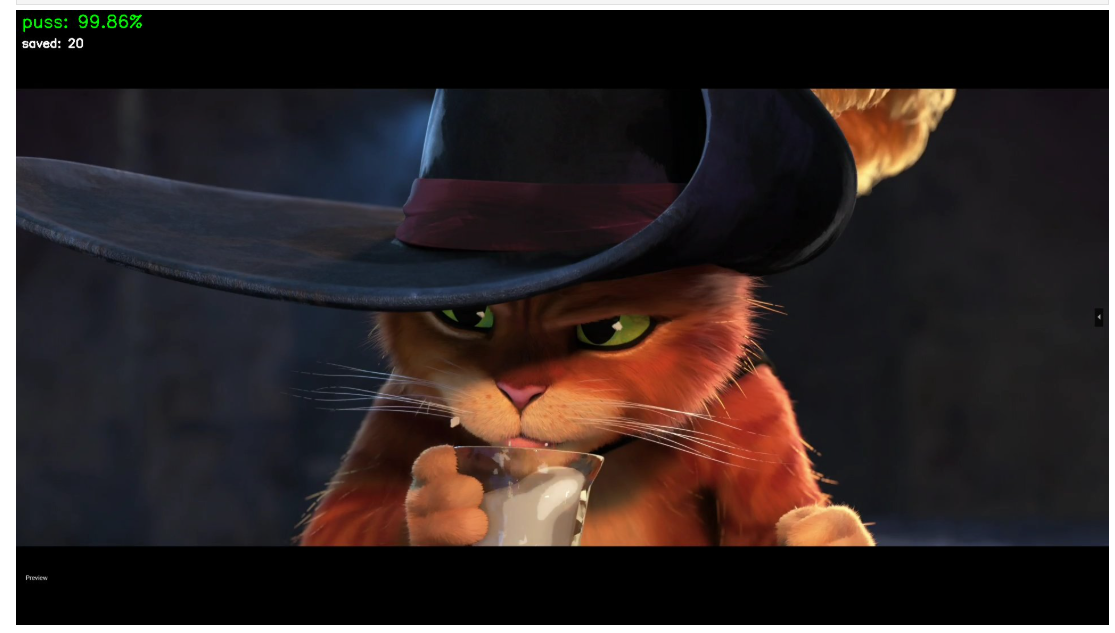
I want to fine-tune an image generation model on Puss in Boots. That means I need 50 to 100 good stills of the character. The movie is 98 minutes long. I am not going to sit there and screenshot by hand.
So I trained a binary classifier to do it for me, wired it up to OBS, and let it watch the movie while I did other things. Here’s how that went.
Step 1: Get some frames to label
First problem, you need labeled data to train a classifier, but the whole point of the classifier is to avoid labeling by hand. Chicken McCrispy meet Egg McGriddle. I did a bootstrap, label a few images at first, and then strategically find new information. I started off by extracting 500 frames from the movie and manually putting them into puss/not-puss folders.
def random_sample(video_path, output_dir, n=500, seed=42):
    random.seed(seed)
    cap, sar, fps, duration_sec = _video_info(video_path)
    timestamps = sorted(random.uniform(0, duration_sec) for _ in range(n))

    for ts in timestamps:
        cap.set(cv2.CAP_PROP_POS_MSEC, ts * 1000)
        ret, frame = cap.read()
        if not ret:
            continue
        frame = _correct_frame(frame, *sar)
        filename = f"frame_{ts:08.2f}s.jpg"
        cv2.imwrite(str(output_dir / filename), frame,
                    [cv2.IMWRITE_JPEG_QUALITY, 95])
After that, I trained the model (more on that below), then fetched 5000 more frames, and went back and looked at ones it got wrong with high confidence. If the model marked a new image of Puss in Boots at 95% confidence, then it has enough information. Marking a single shot of Perrito at 95%? That’s new information.
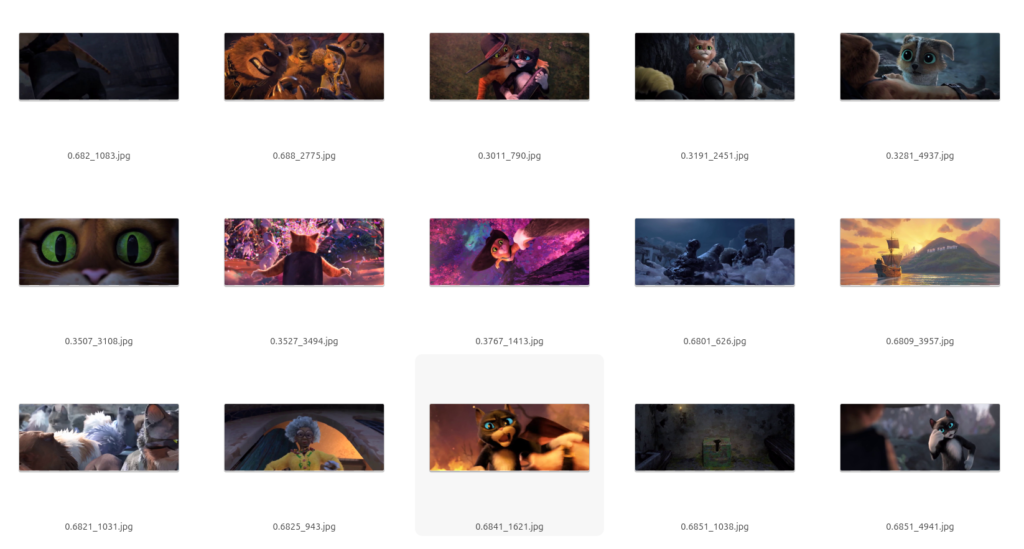
I moved borderline cases and confident mistakes into the training folders and retrained. After a few rounds: 1,265 labeled frames total, 901 puss and 364 not-puss.
Step 2: What the classifier has to learn
This isn’t as simple as “find the orange cat.” The movie has other cat characters. Kitty Softpaws is also orange-ish and shows up in many of the same scenes. The classifier has to distinguish Puss specifically, across different lighting, angles, and scales (sometimes he’s a tiny figure in a wide shot, sometimes it’s an extreme close-up).
Step 3: Training
I went with ResNet18. Standard fine tuning workflow. Use a pretrained model, freeze most of it, unfreeze the last residual block and swap in a new classification head.
ResNet(
  (conv1): Conv2d(3, 64, kernel_size=(7, 7), stride=(2, 2), padding=(3, 3), bias=False)
  (bn1): BatchNorm2d(64)
  (relu): ReLU(inplace=True)
  (maxpool): MaxPool2d(kernel_size=3, stride=2, padding=1)
  (layer1): Sequential(...)  # frozen
  (layer2): Sequential(...)  # frozen
  (layer3): Sequential(...)  # frozen
  (layer4): Sequential(       # unfrozen
    (0): BasicBlock(
      (conv1): Conv2d(256, 512, kernel_size=(3, 3), stride=(2, 2), padding=(1, 1))
      (bn1): BatchNorm2d(512)
      (conv2): Conv2d(512, 512, kernel_size=(3, 3), stride=(1, 1), padding=(1, 1))
      (bn2): BatchNorm2d(512)
    )
    (1): BasicBlock(...)
  )
  (avgpool): AdaptiveAvgPool2d(output_size=(1, 1))
  (fc): Linear(in_features=512, out_features=1, bias=True)  # replaced
)
One output neuron, BCEWithLogitsLoss, 15 epochs on CPU. I used weighted random sampling because my classes were imbalanced (more puss than not-puss, which, fair enough, he is the main character).
model = models.resnet18(weights=models.ResNet18_Weights.DEFAULT)

for name, param in model.named_parameters():
    if not name.startswith("layer4") and not name.startswith("fc"):
        param.requires_grad = False

model.fc = nn.Linear(model.fc.in_features, 1)
Out of 11.2 million parameters, 8.4 million were trainable. Validation accuracy hit 92.1% at best, but I was also going a little overboard with the complexity of the images it was using for tagging.
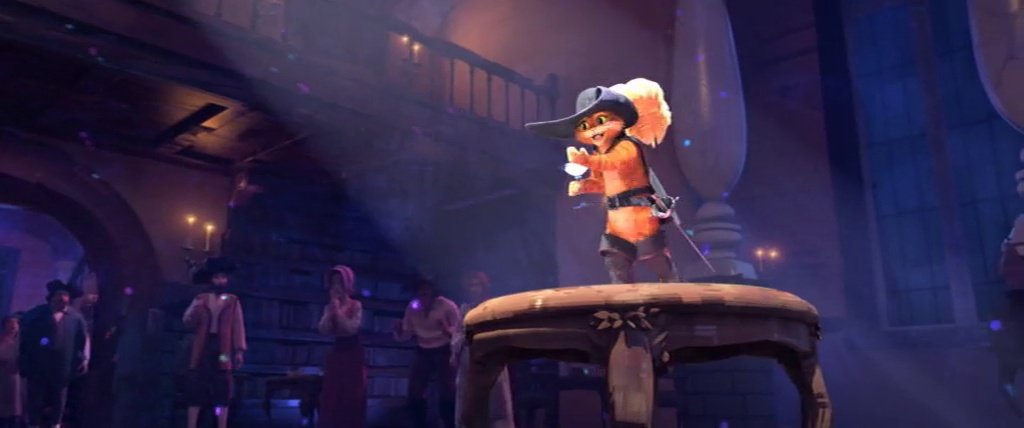
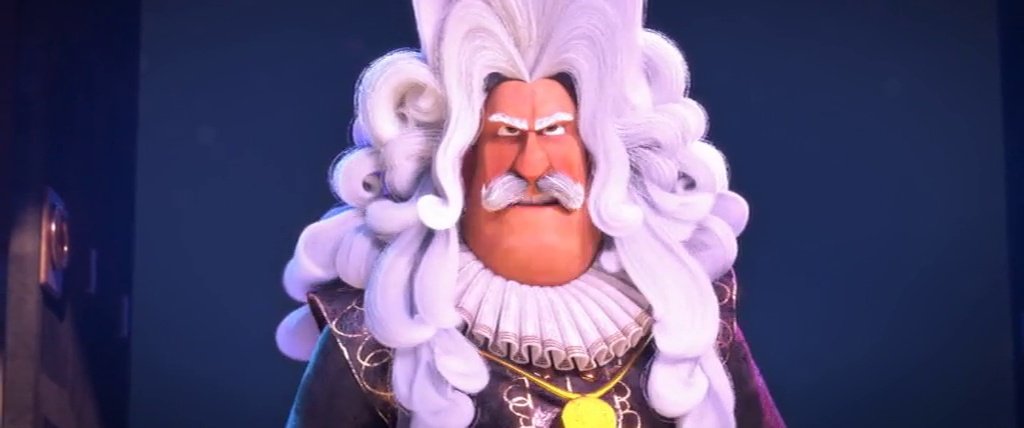
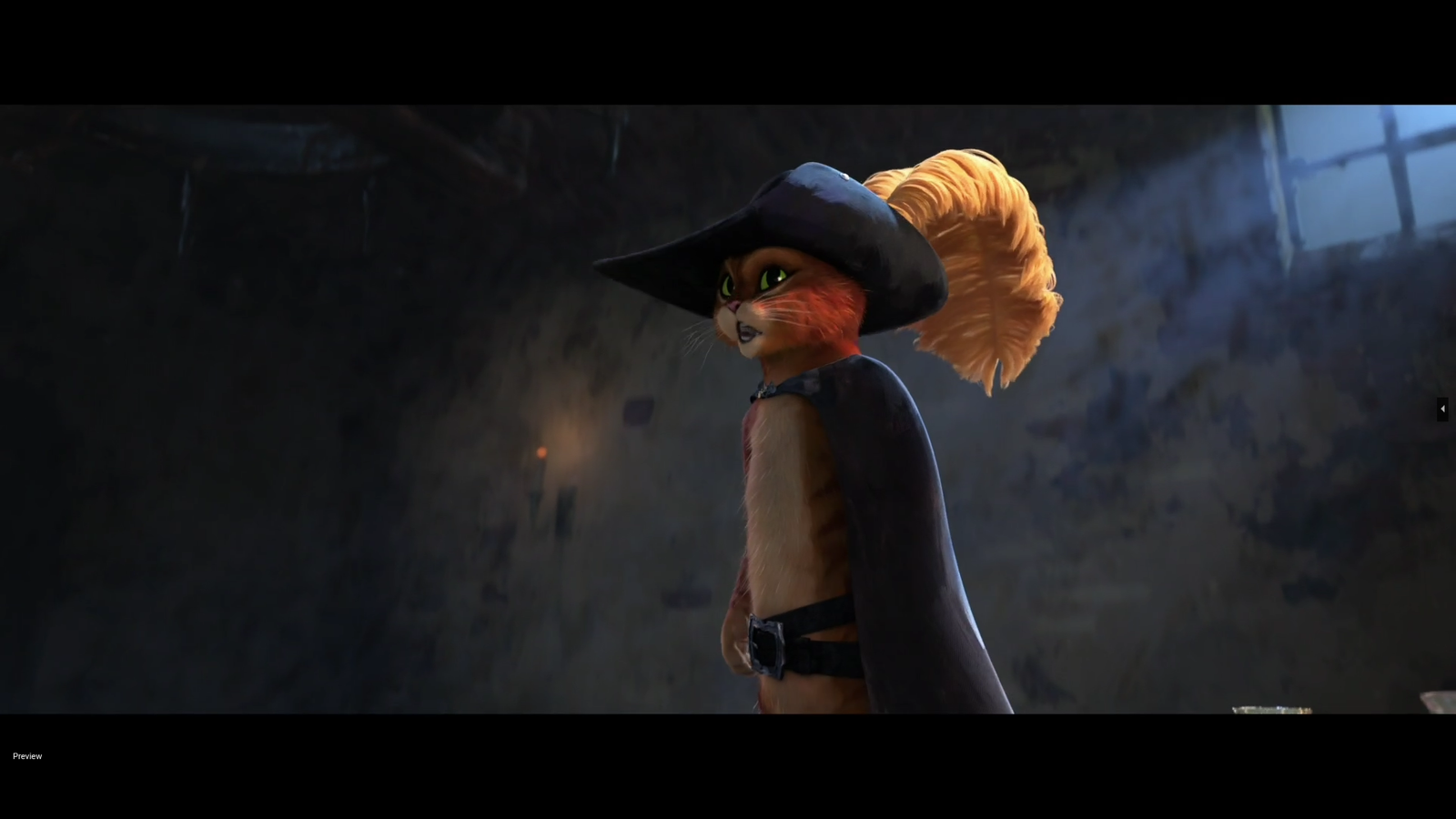
Here’s what 92% looks like in practice. Both of these were labeled puss = 1 in the training set:
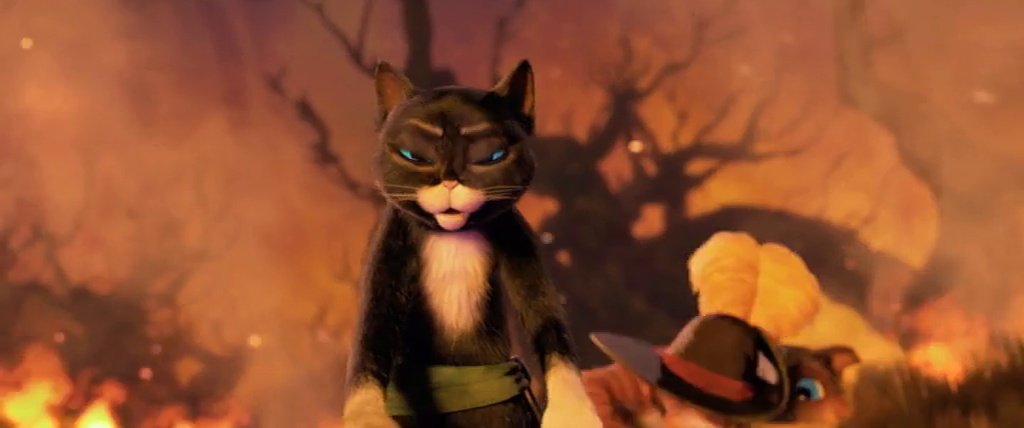
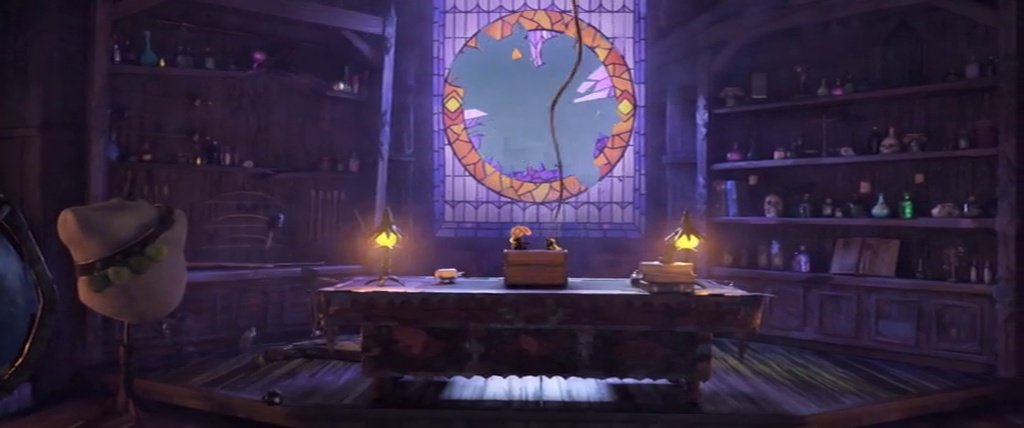
The movie is 2.39:1 widescreen, but ResNet takes 224×224 square inputs. Every frame gets resized to fit that square, so widescreen shots get squeezed horizontally. In a wide shot where Puss is a small figure at the edge of the frame, he might occupy 20 pixels of the input tensor. The model still has to learn that counts. These borderline cases are part of why accuracy plateaus at 92% instead of 99, and also why 92% is fine for my purposes. The hard cases are genuinely hard.
That’s not going to win any competitions, but I don’t need it to. I just need it to catch most frames of my dear Puss in Boots so I can sort through a smaller pile by hand instead of watching the whole movie frame by frame.
Step 4: The source quality question
Before building the live capture I got sidetracked wondering whether my video source was high enough quality for LoRA training. I spent a while comparing different copies and resolutions, checking codecs, obsessively alt-`ing between frame grabs. At one point I was pricing USB Blu-ray drives.
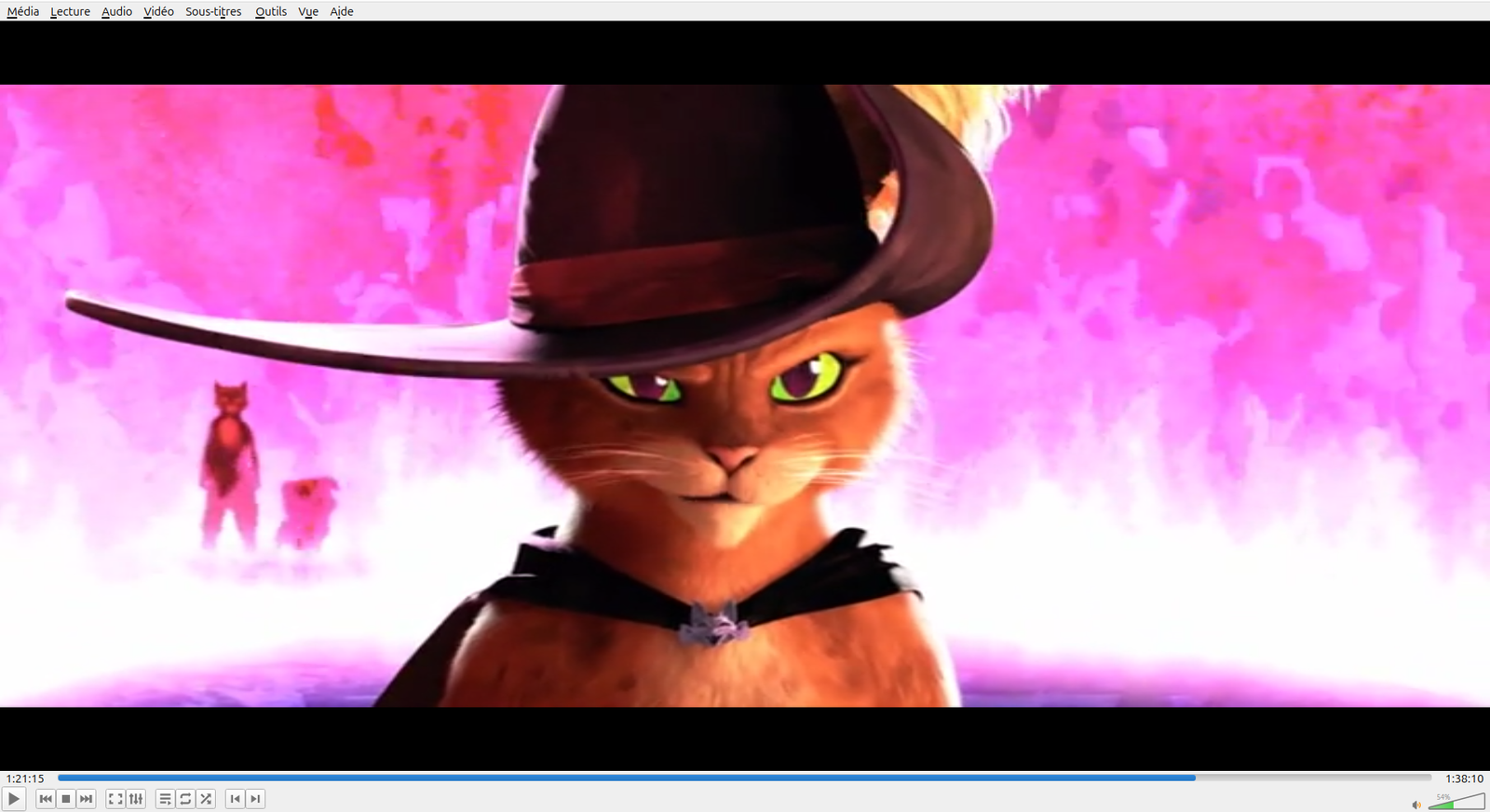
Then I stopped and thought about it for a second. LoRA training data doesn’t need to be 4K. It needs variety: different poses, angles, lighting. A 98-minute movie has plenty of that regardless of resolution. I was solving the wrong problem.
Step 5: Live capture
This part I’m proud of. The beauty of PyTorch is that you can implement exotic logic and have something fundamentally editable. If you’re willing to relax these, you can get a much more performant model. Export the trained model to ONNX so you don’t need PyTorch at runtime, just onnxruntime and OpenCV. A future project I want to see how light a system I can get a useful ONNX model running.
Open a Jupyter notebook. Point it at the OBS virtual camera. Every frame gets run through the model. Anything above 85% confidence gets saved to disk, with a one-second cooldown to avoid saving the same frame fifty times.
cap = cv2.VideoCapture(VIDEO_SOURCE)

while cap.isOpened():
    ret, frame = cap.read()
    if not ret:
        continue

    prob = predict(frame)
    now = time.time()

    if prob >= 0.85 and (now - last_save_time) >= 1.0:
        ts = datetime.now().strftime("%Y%m%d_%H%M%S_%f")
        filename = SAVE_DIR / f"puss_{ts}_{prob:.3f}.png"
        cv2.imwrite(str(filename), frame)
        last_save_time = now
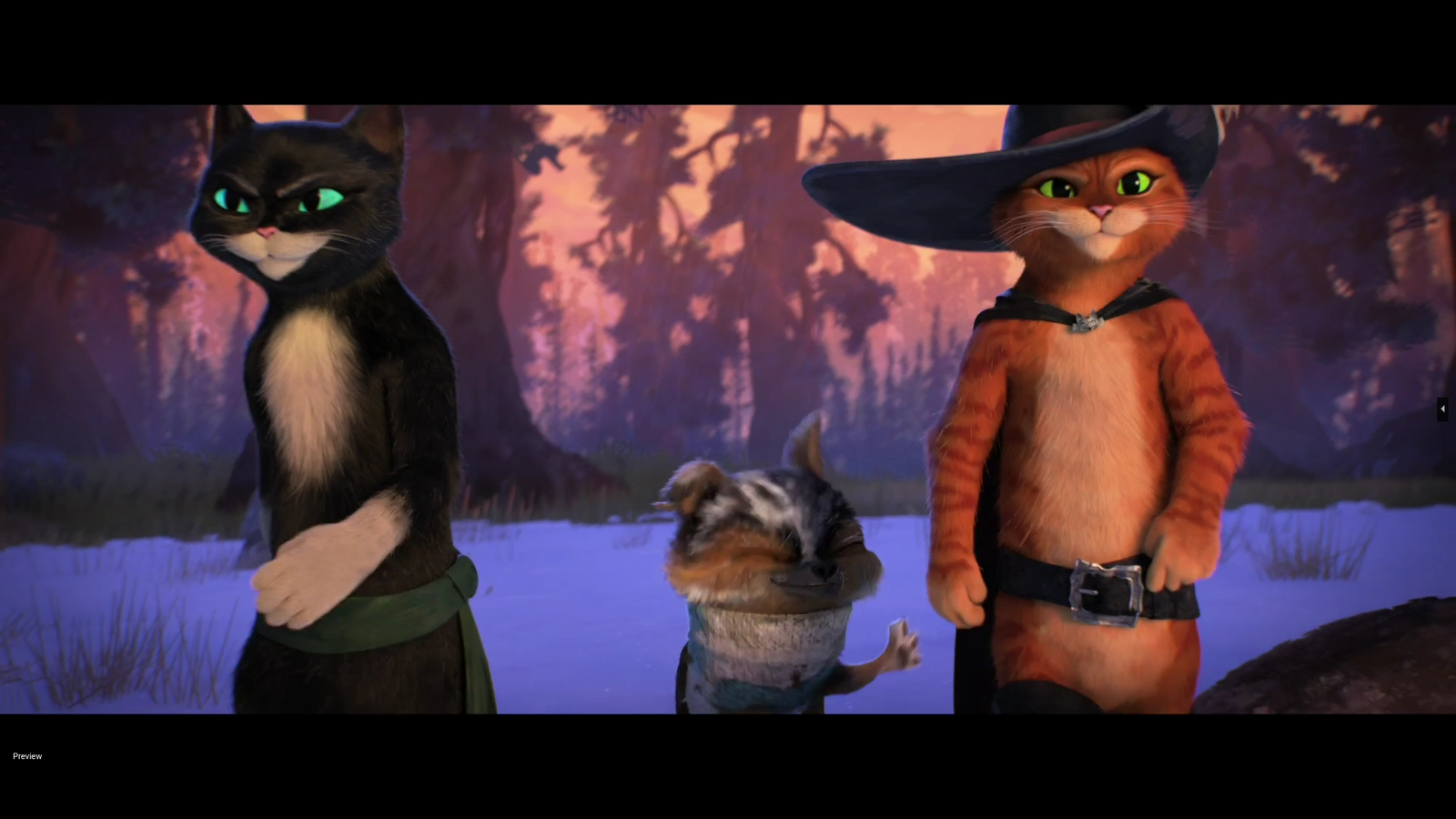
I added an overlay that shows up in the notebook cell: green text with the confidence percentage when Puss is on screen, red when he’s not. There’s a “[SAVED]” flash and a running count. So you can watch it work. Hit play in one window. Let the notebook chug in another. Go make coffee. Come back to 166 screenshots of a small orange cat in a hat.
Results
166 captures from one sitting. Confidence scores between 0.851 and 0.998. Most of them look good. The ones that don’t are motion blur: the classifier sees enough orange to think “that’s him” but the frame is a smear. Fair enough.
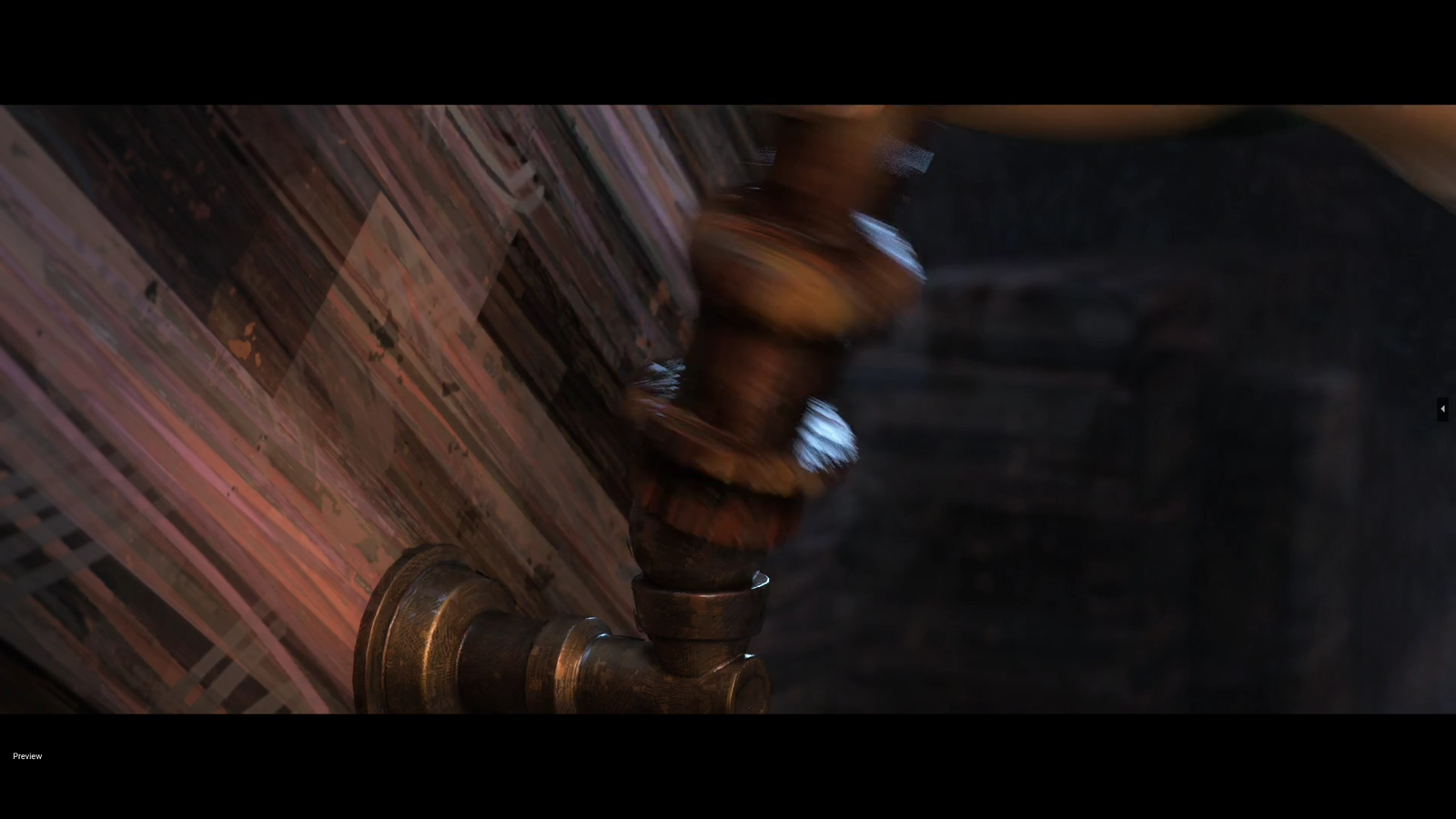
I ran perceptual hashing over the keepers to drop near-duplicates (distance threshold of 10), and ended up with about 70 distinct frames. That’s the LoRA dataset. Next I need to caption them and train the image model. But that’s a different project and a different post.
Leave a Reply